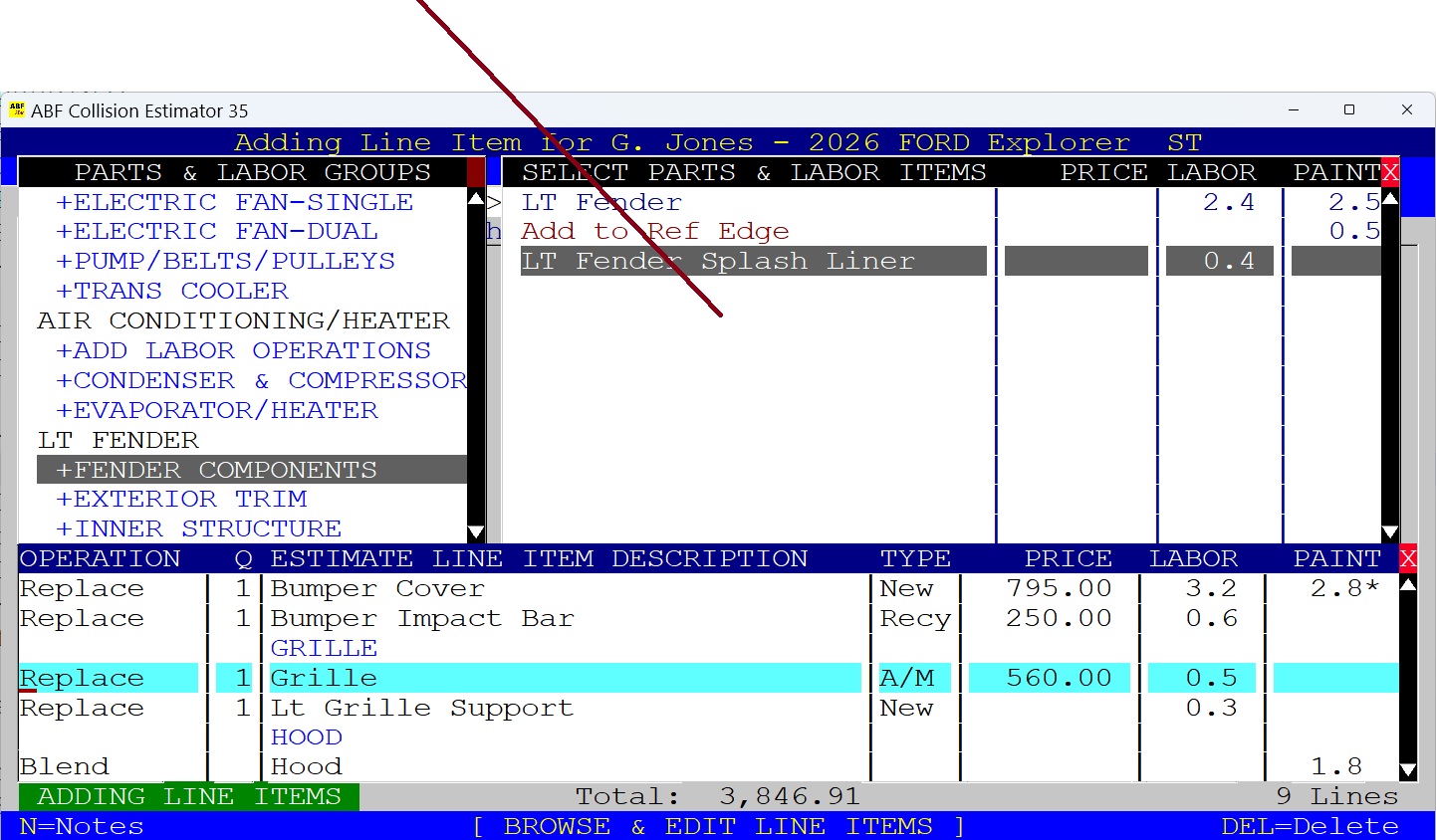
• 

Obtaining OEM Part Prices From Internet
For best results, it is quicker to write your estimate first, then enter the prices afterward.
Internet Pricing is sourced from OEM Vehicle Dealers Parts Department to sell parts online.You do not have to buy your parts from them, you can order them from any vendor. There are a couple of different web page formats to make it easy to look up parts.
If the source you select does not work for you, then select another source from the ABF List for the same make.
Internet OEM Part Pricing is only available for the Automotive and Power Sports Vehicles.
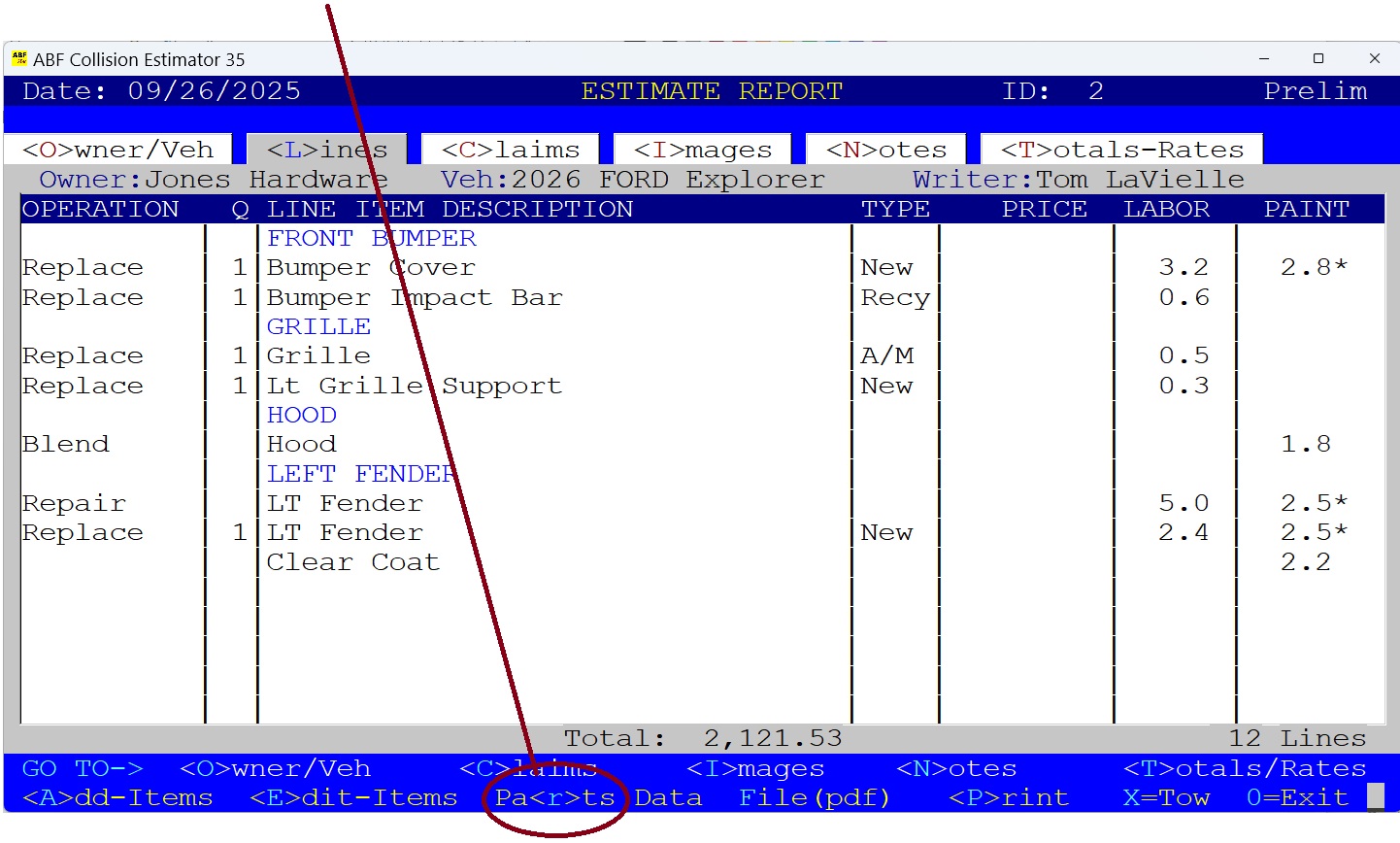
1) At Line Items Screen, Press the "R" Key (Parts).
This will take you to a Parts Price Menu.
•
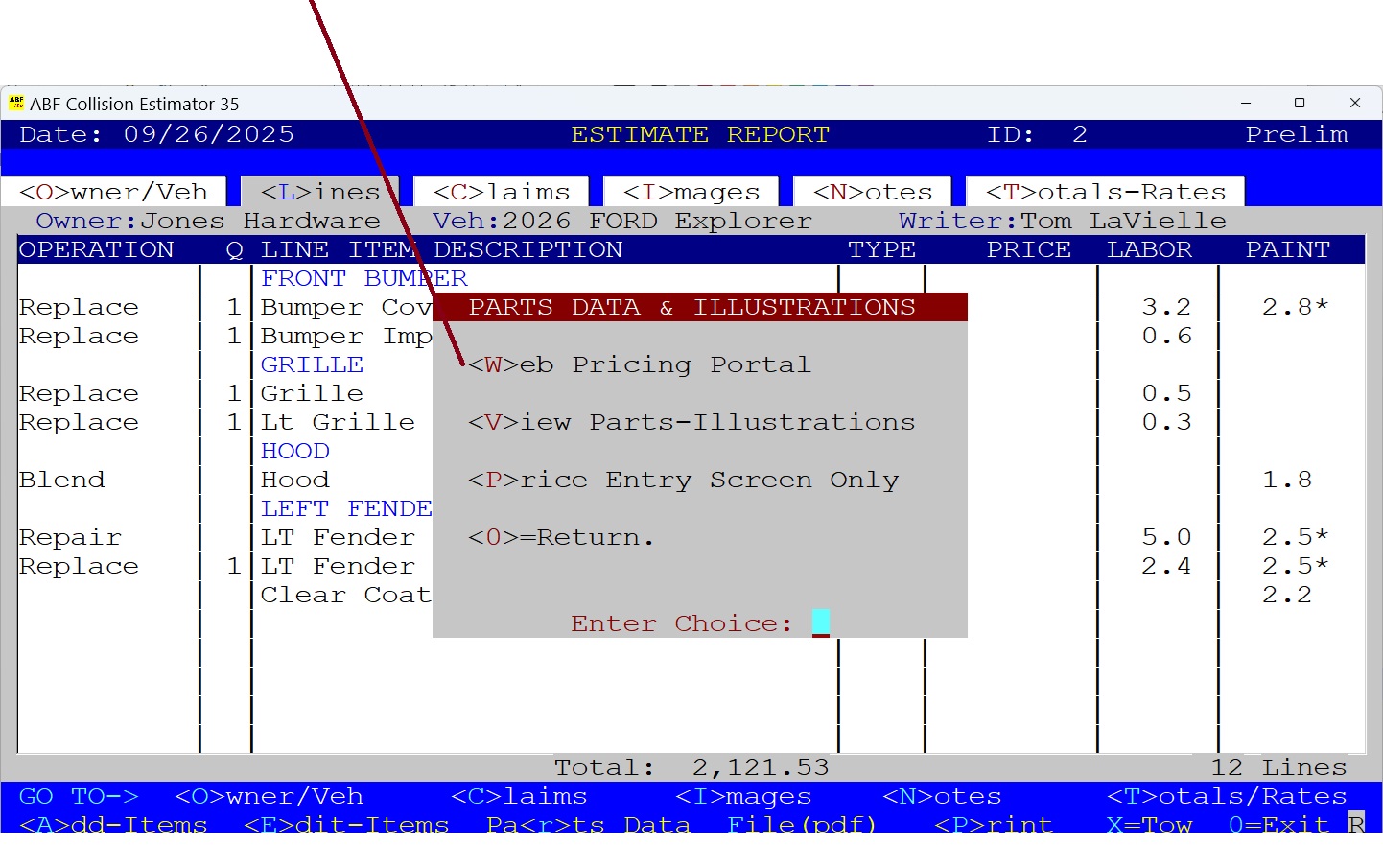
2) The Parts Data & Illutrations Menu Appears.
a) Press the "W" Key for a list of OEM Part Dealers on the web.
b) Press the "V" Key to Copy the Vin Number first - to be pasted into the Part Price Web Page if needed.
• 
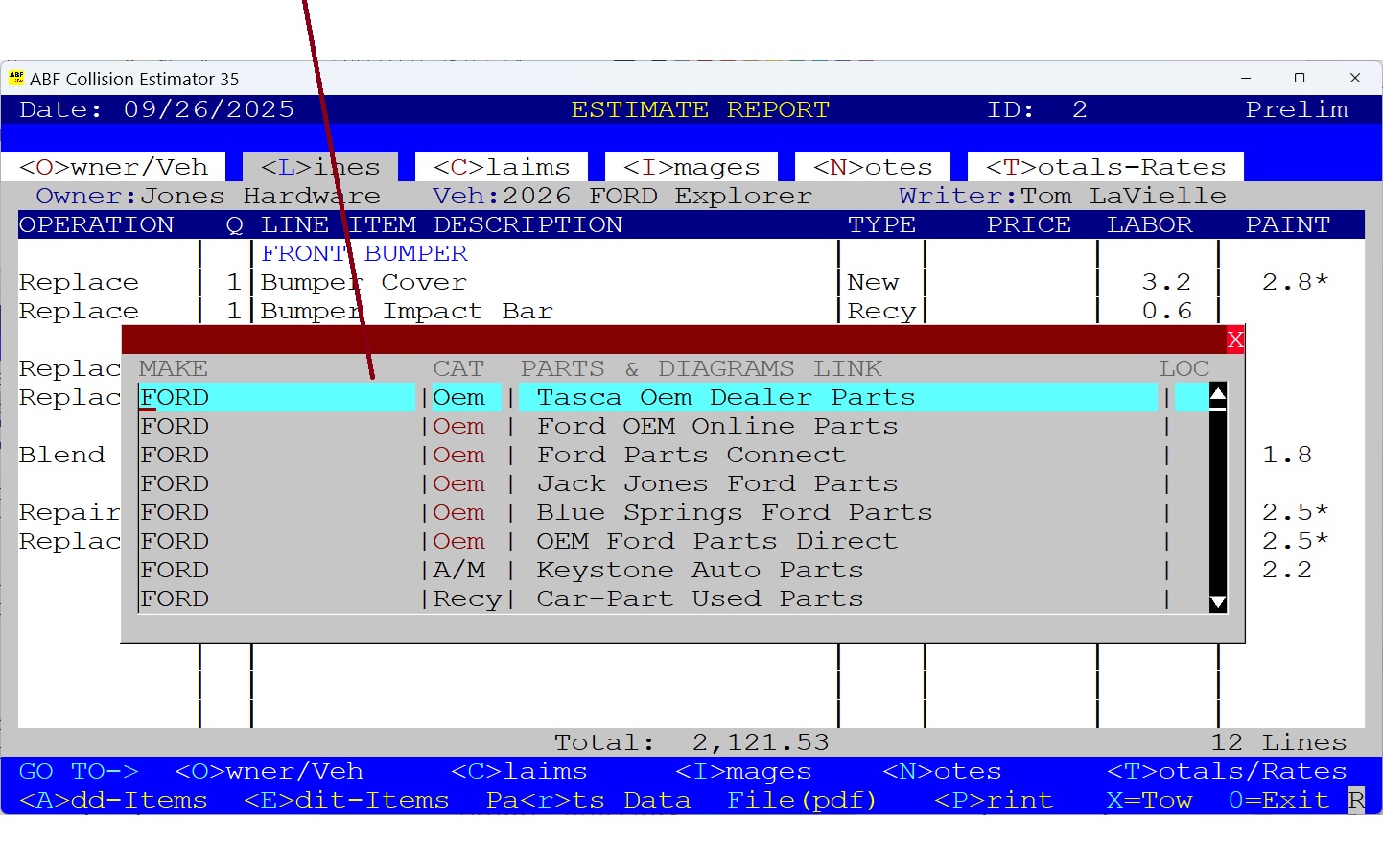
3) Next You Select from the Parts Vendors List.
Use the Mouse or the Up or Down Keys to browse through the list. You will note there are Oem, Aftermarket and Recycled categories. Double-Click or Press the ENTER Key to Select your choice.
• 
4) Your Selected OEM Parts Website Appears.
This is a typical OEM Dealer Website where you begin by entering the Make, Model and Year of the Vehicle you are estimating.
• 
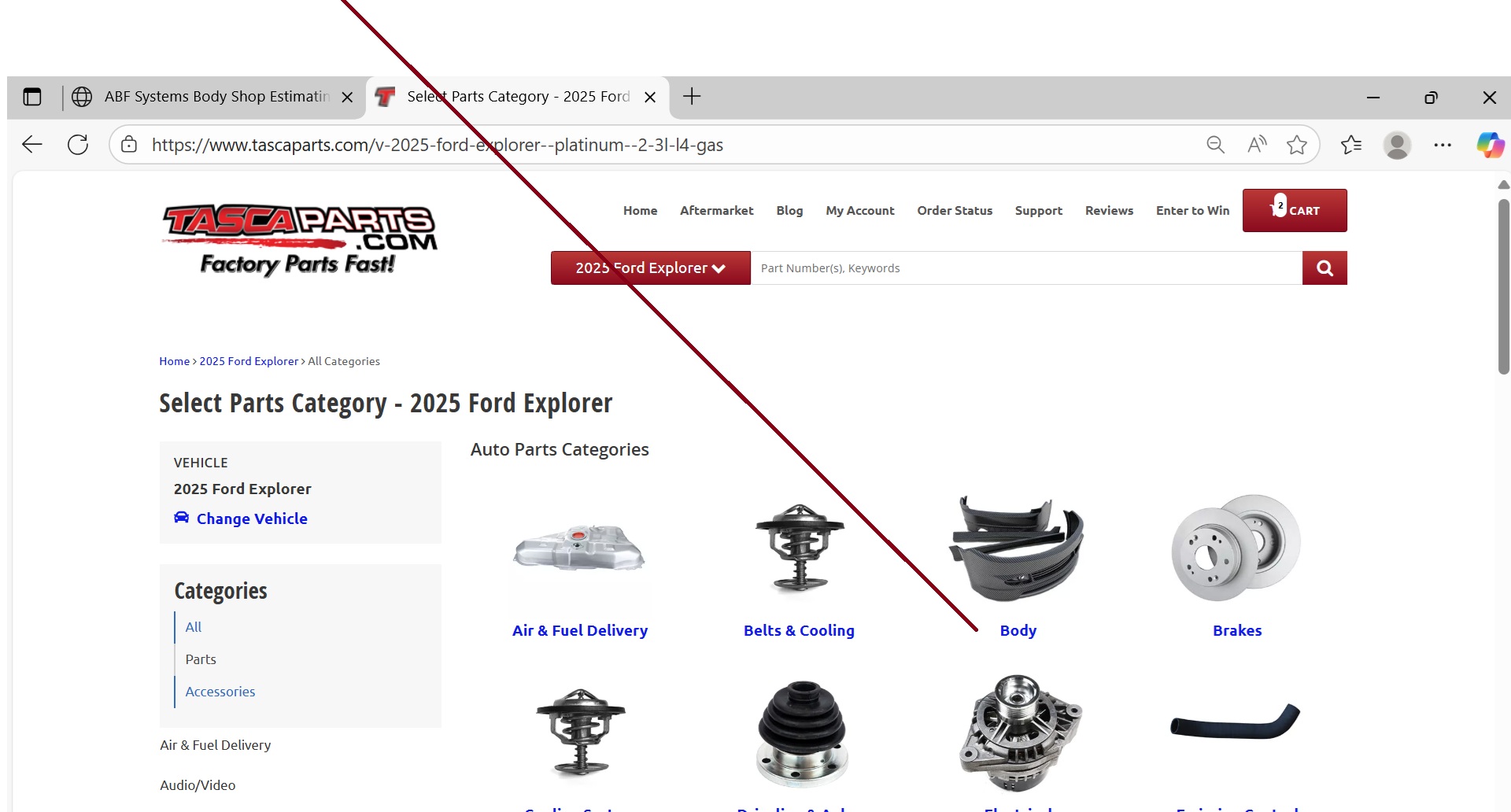
5) Look For the Parts Category.
In many cases you will want to select the Body Category. You can also select Suspension, Steering, Cooling, etc.
• 
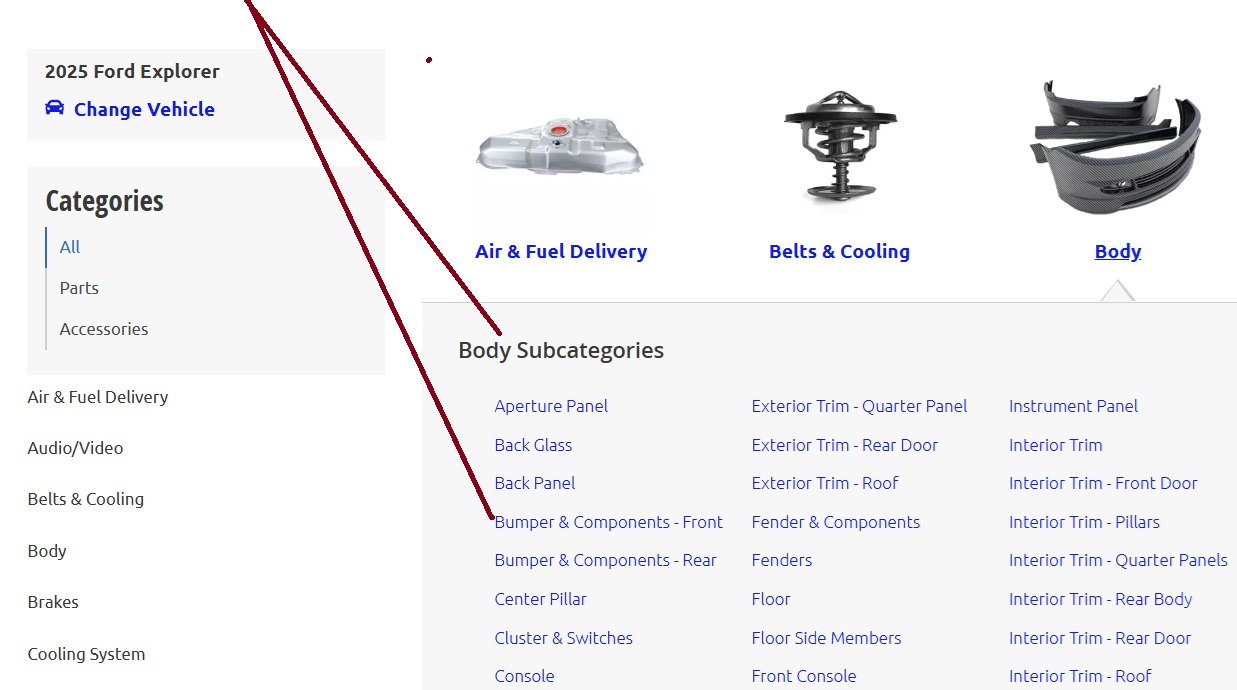
6) Select the Parts Subcategory.
After selecting the Body Category, you will prompted to select a Subcategory.
• 
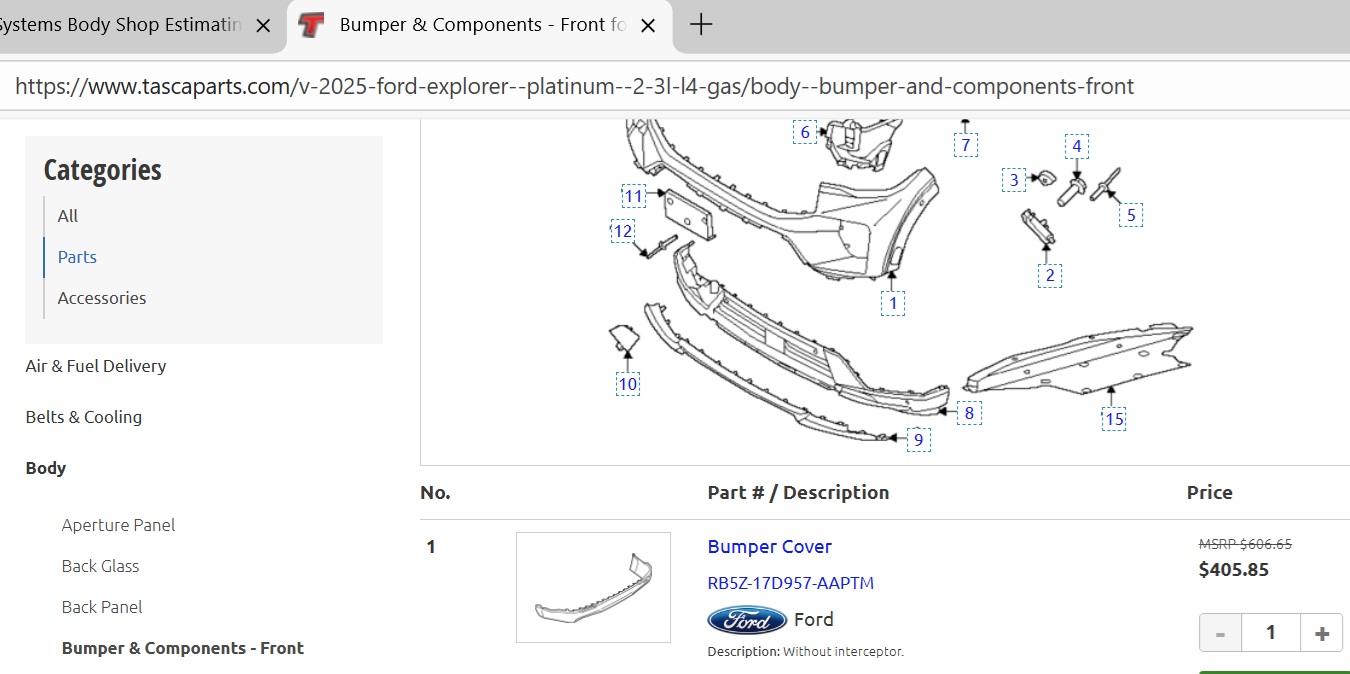
7) Find and Select the Parts From the Diagram.
Now you are in the Subcategory and you can scroll and find the parts that need prices.
• 
8) Prices & Part Numbers are usually Located Under the Parts Diagram.
Now scroll and find the parts that need need prices.
• 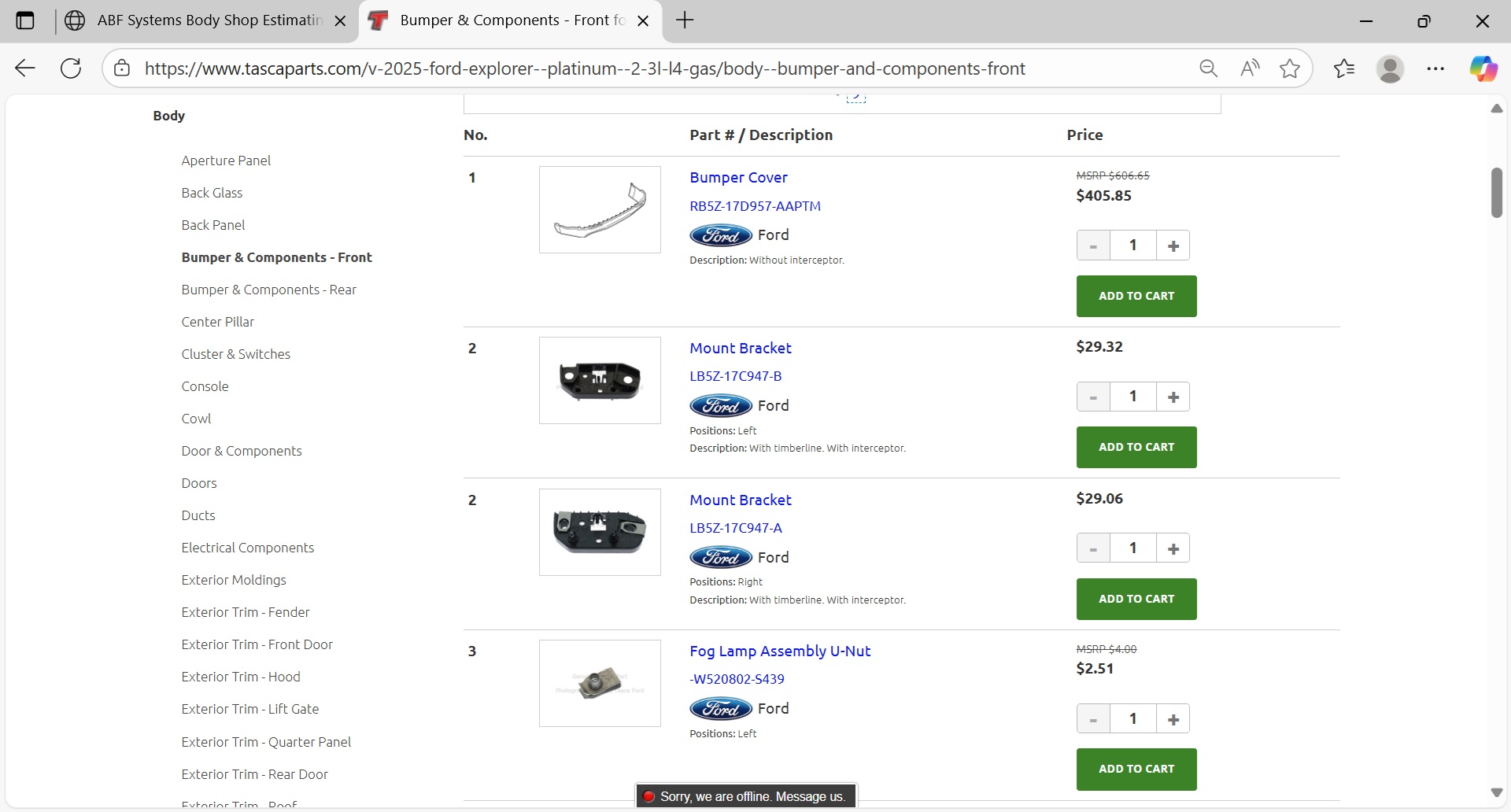
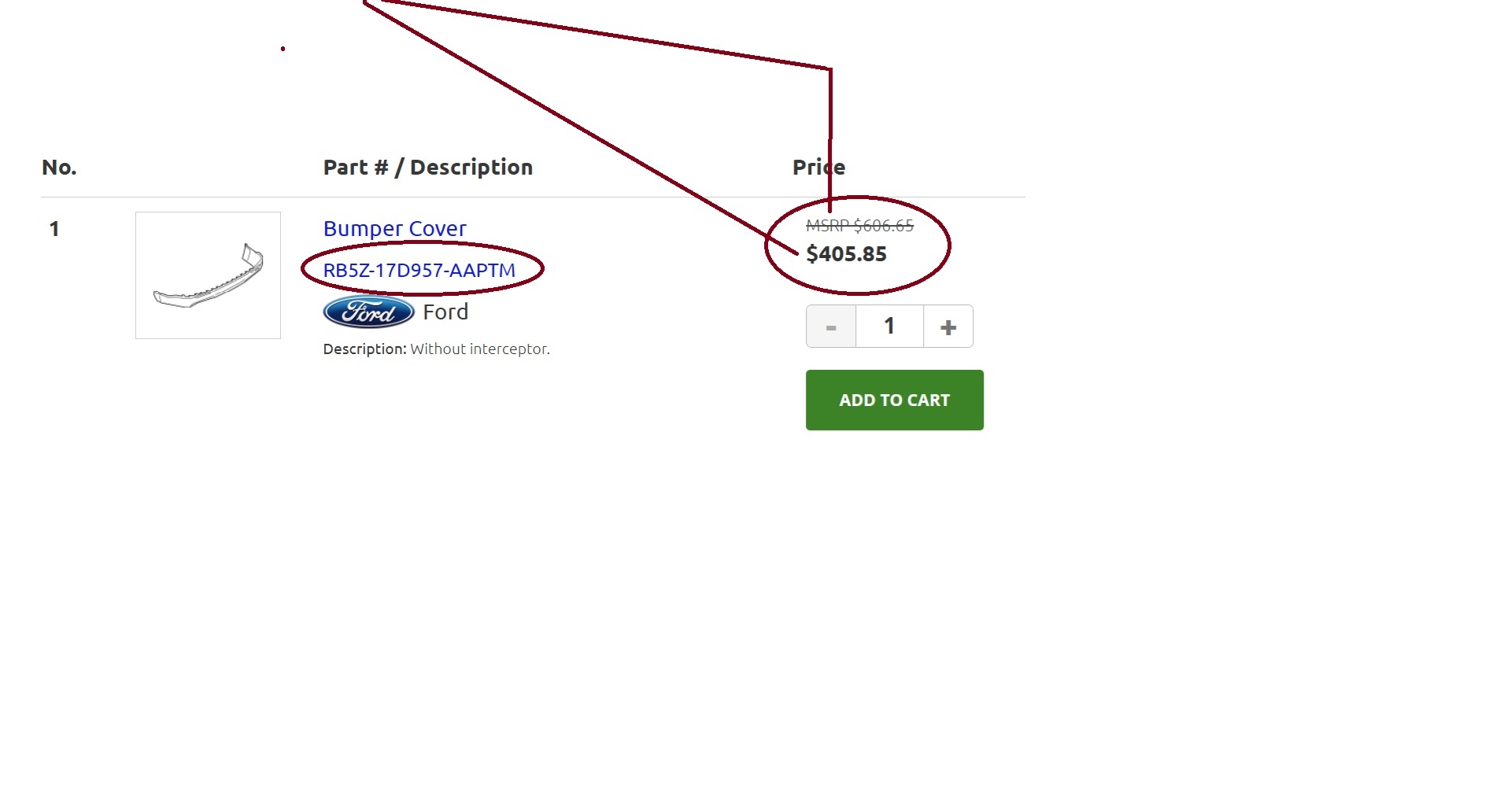
9) IMPORTANT - How to Determine The Manufacturer's Retail Price!
The price you see in Bold is the wholesale price from the vendor. The Manufactuer's Suggested Retail Price (or MSRP) is usually located near the wholesale price and is smaller size with a line through it. You can copy and paste it and the line will not be visible.
You can also copy and Paste the Part Number.
• 
Go To The Part Price Entry Screen.
If you have alot of part prices to enter, use the ABF price Entry Scree.From the Line Items Screen, Press the "R" Key, then the "P" Key (Price Entry Screen). Instructions are coming soon. . .
•